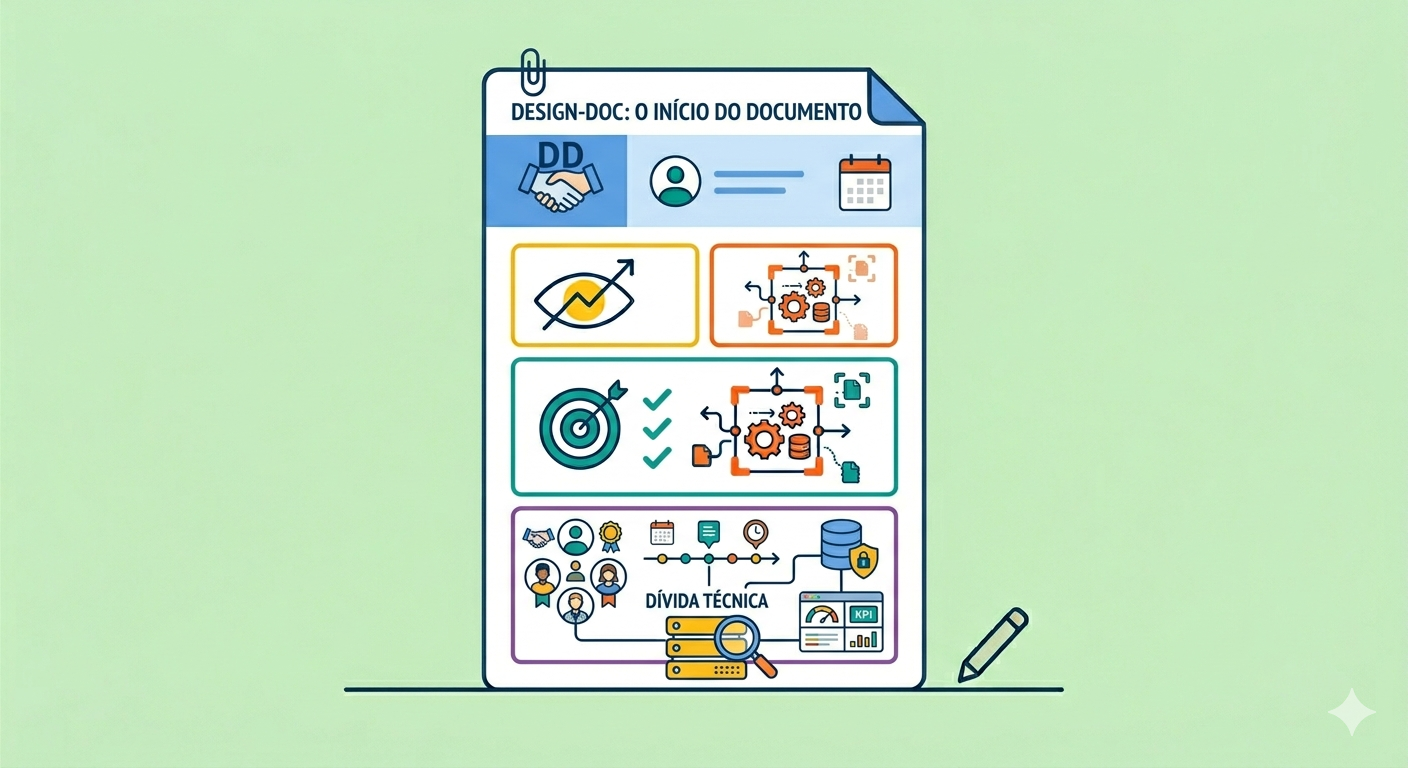
A design doc is a relatively informal document that the main author (or authors) of a software system writes before diving into the coding project. It captures the high-level implementation strategy and the key design decisions, with an emphasis on the trade-offs weighed along the way. In other words, it’s where we record the rationale behind the chosen solution, the alternatives, the goals, and the architecture, in a clear and shareable way, before spending time writing code.
Why is this worth it? A good design doc helps you:
- catch design problems early, while changing them is still cheap;
- reach consensus around the project across the organization;
- make sure cross-cutting concerns (security, infrastructure, and so on) are considered;
- scale the knowledge of your more experienced people;
- build an organizational memory of design decisions;
- serve as a concise artifact in the technical portfolio of whoever designed it.
This is the first post in a series about design docs. Here we go from the concept to the opening sections of the document. In the next parts we keep filling in the rest.
First things first: this is not a template Link to heading
⚠️ The sections shown in this series are not a mandatory guide to follow. They’re just examples and recommendations. Use them, adapt them, or drop them depending on your context and the size of the problem.
That said, having a reference structure helps a lot when you’re getting started. Let’s walk through that structure using a fictional case from start to finish.
The case we’ll follow Link to heading
Picture a Stock replenishment recommender: a demand forecasting model, a daily pipeline, and a dashboard for the planning team to decide what to restock at each store.
The project touches three areas: data science (the forecasting model), data engineering (the pipeline and the tables), and data analytics (the dashboard and the KPIs). It’s a problem with enough complexity and more than one team involved, exactly the kind of situation where a design doc pays for itself.
Headers Link to heading
The headers identify the document. They usually include the authors and reviewers, the current status (draft, in review, proposed, approved, rejected), the creation and update dates, and, optionally, labels.
Example header:
| Field | Value |
|---|---|
| Document | DESIGN-DOC · DD-2026-014 |
| Status | In review |
| Title | Stock replenishment recommender |
| Authors | Júlia Tanaka (DS), Rafael Borges (DE) |
| Reviewers | Camila Souza (Platform), Pedro Lins (Security), Ana Vitória (Analytics) |
| Created on | Mar 12, 2026 |
| Last updated | Apr 23, 2026 |
| Tags | #ml #supply-chain #batch-pipeline |
💡 Tips:
- Keep the status up to date. A doc that’s been “in review” for four months confuses whoever shows up later.
- Ask for reviews from more senior people in the relevant areas (security, infrastructure, platform) or from the teams affected.
- Labels (tags) make it easier to find things when someone searches for “how did we decide X” months later.
Overview Link to heading
A short, high-level piece of text about what the document covers. It tells the reader what to expect from the read.
Overview
This document describes the design of the stock replenishment recommendation system. The goal is to replace the manual ordering process with a predictive model that suggests, on a daily basis, which products to restock at each store based on sales history and seasonal trends.
It covers the architecture of the data pipeline, the model training strategy, and the way results will be delivered to the planning team.
💡 Tips:
- Typically it’s one paragraph, two at most.
- Don’t put details here. Those go in the following sections.
- Someone without any context should be able to understand what it’s about.
Glossary Link to heading
Acronyms and domain terms used throughout the document. It’s worth placing it right at the beginning: that way anyone coming from another area has a place to check the vocabulary before running into the terms in the middle of the text. Ideally, define each term at its first appearance and use the glossary as a quick reference.
- MAPE (Mean Absolute Percentage Error): the mean absolute percentage error of the forecasts; the lower it is, the more accurate the model.
- SLA (Service Level Agreement): the agreed-upon deadline or service level, such as the cutoff time for delivering the recommendations.
- SKU (Stock Keeping Unit): the unique identifier of a product in the catalog.
- ERP (Enterprise Resource Planning): the management system currently used for replenishment orders.
- Stockout: the absence of an item available for sale when there is demand for it.
- Cold start: forecasting for new products that don’t have enough sales history.
- Feature store: a centralized repository of features for reuse across models.
💡 Tips:
- It doesn’t need to become a dictionary. List only what might confuse someone outside the team.
- Define the terms before their first use and keep the glossary at the top, as a quick reference to consult.
Scope and context Link to heading
Describes the setting the system lives in, the reasons for writing the document, and background information (current technology, technical debt, and so on). You can assume some prior knowledge and link to more detailed information instead of copying it in.
Scope and context
Today the planning team handles stock replenishment manually, working from spreadsheets exported weekly from the ERP. The process is error-prone and leads to recurring stockouts on the fastest-moving items.
The current sales data pipeline runs as a daily batch via Airflow, but it isn’t consumed by any predictive model. There’s technical debt related to the lack of a centralized feature store.
The scope of this document covers the demand model, the ingestion pipeline, and the delivery of recommendations. Integrations with the ERP are out of scope.
💡 Tips:
- Be concise. Give the minimum context needed for the reader to understand the problem.
- Don’t put goals or proposed solutions here. Those go in the next sections.
- Treat it as background: it situates the reader without getting ahead of the decisions.
Goals and non-goals Link to heading
Goals are business or technical requirements that will be achieved once the work is done. Non-goals are points that won’t be addressed. Both can be lists and should be objective, in the sense of being clear and verifiable.
Goals
- ✓ Reduce stockouts by 20% on high-turnover items by Q3 2026.
- ✓ Deliver replenishment suggestions daily via dashboard by 7 a.m.
- ✓ Reach a MAPE ≤ 15% on the demand forecasting model.
Non-goals
- ✗ Direct integration with the ERP ordering system.
- ✗ Demand forecasting for new products (cold start).
- ✗ Price or product mix optimization.
💡 Tips:
- Favor measurable goals. Numbers make success verifiable.
- For non-goals, don’t just negate the goals. Point out what is explicitly excluded from the work.
- Be specific: name the mechanism, not just the outcome. Instead of “reduce stockouts”, write “reduce stockouts by prioritizing the replenishment of the fastest-moving items”.
See you next time Link to heading
We already have the document’s identification, a glossary to level everyone’s vocabulary, and the background: who’s writing, what it’s about, in what setting, and what we do (or don’t) intend to achieve. In part 2 we get into the most important section, the design itself, with diagrams and the trade-offs of the chosen solution.
That’s it, folks!
See you next time!
{}’s